Animated text in UEFN, in seconds.

Any font. Custom effects. No Verse required.

Windows 10/11 · from €2.99 · 🔒 Secure checkout

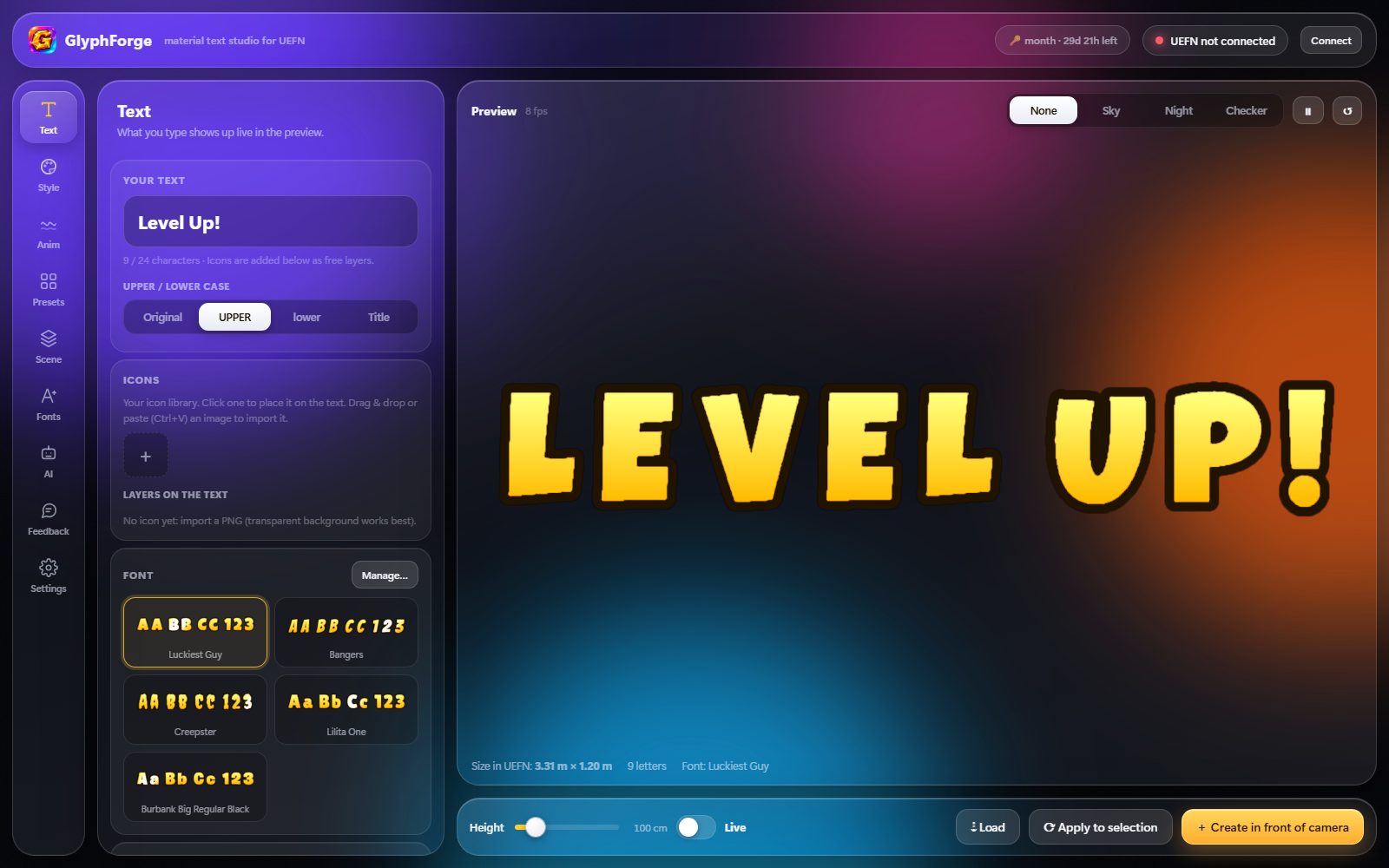
You make your text in the app, it shows up in your map. 29 seconds, nothing sped up on the UEFN side.

How it works

3 steps, 30 seconds

1
Type your textPick a font, a look or start from scratch. Add your icons.
2
Tweak it liveColours, outlines, glow, animations: the preview updates instantly.
3
Send it to UEFNOne click and it's in your island. Edit it anytime, it updates live.
Results

Three sets made with GlyphForge
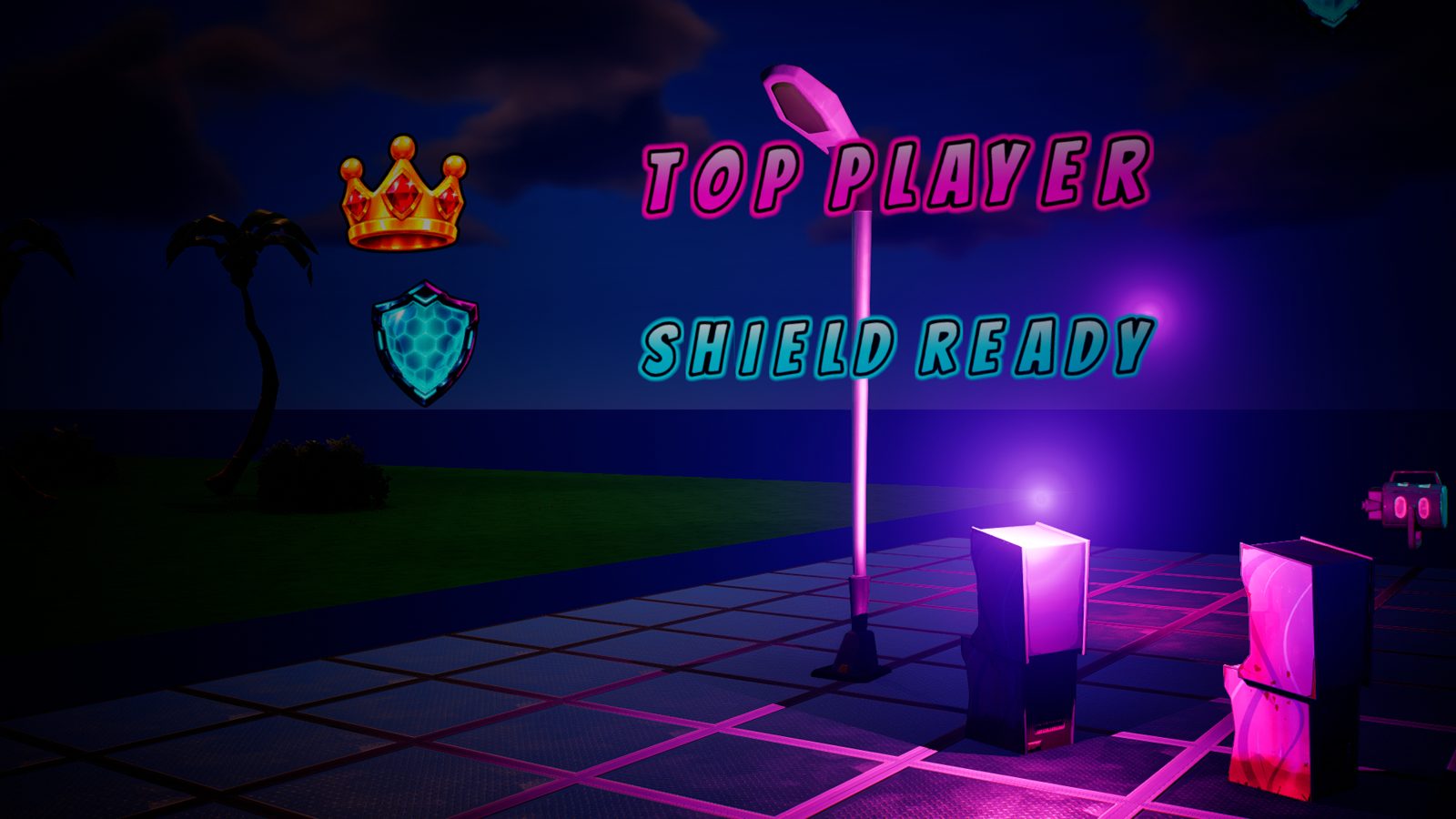
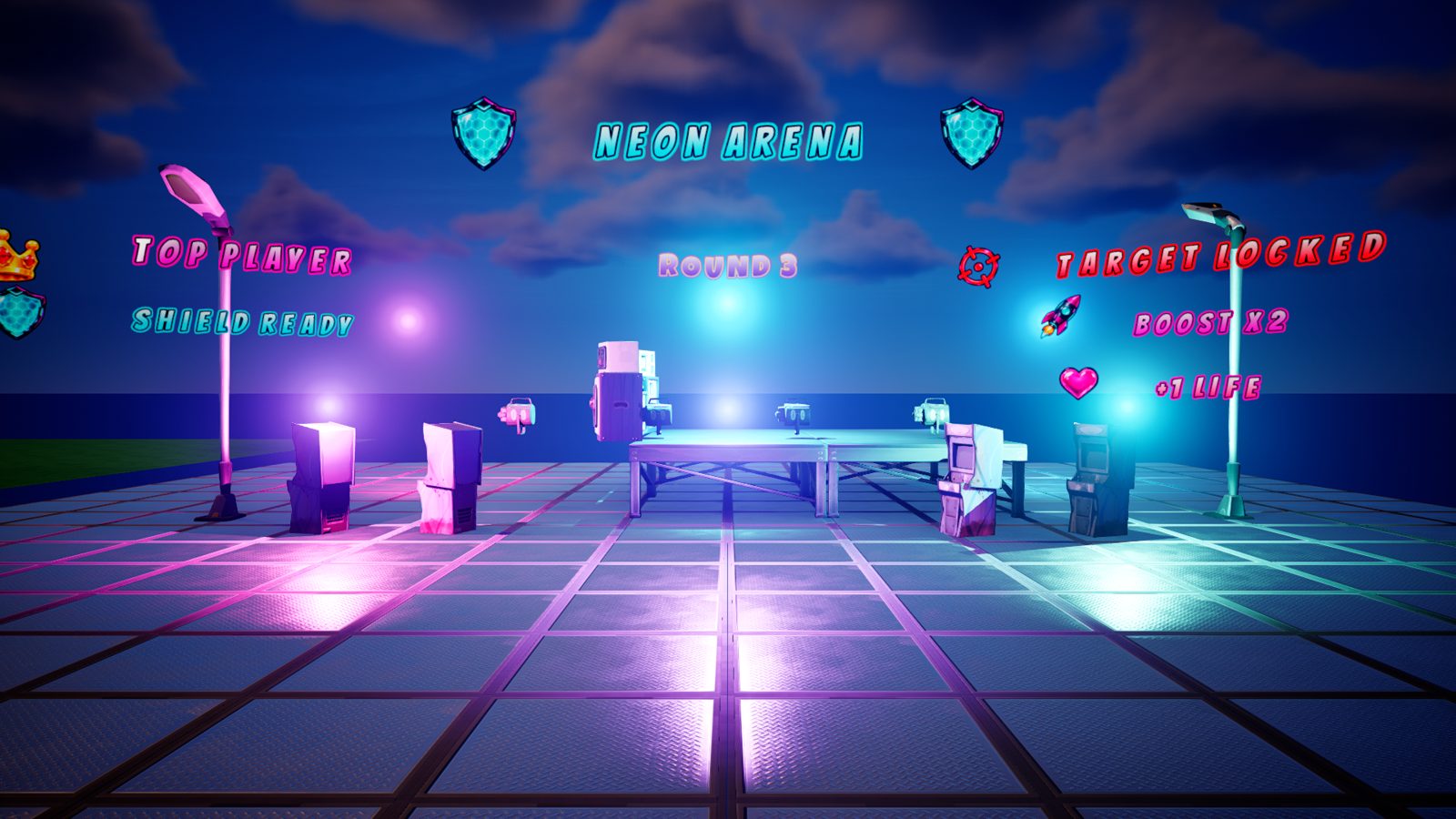
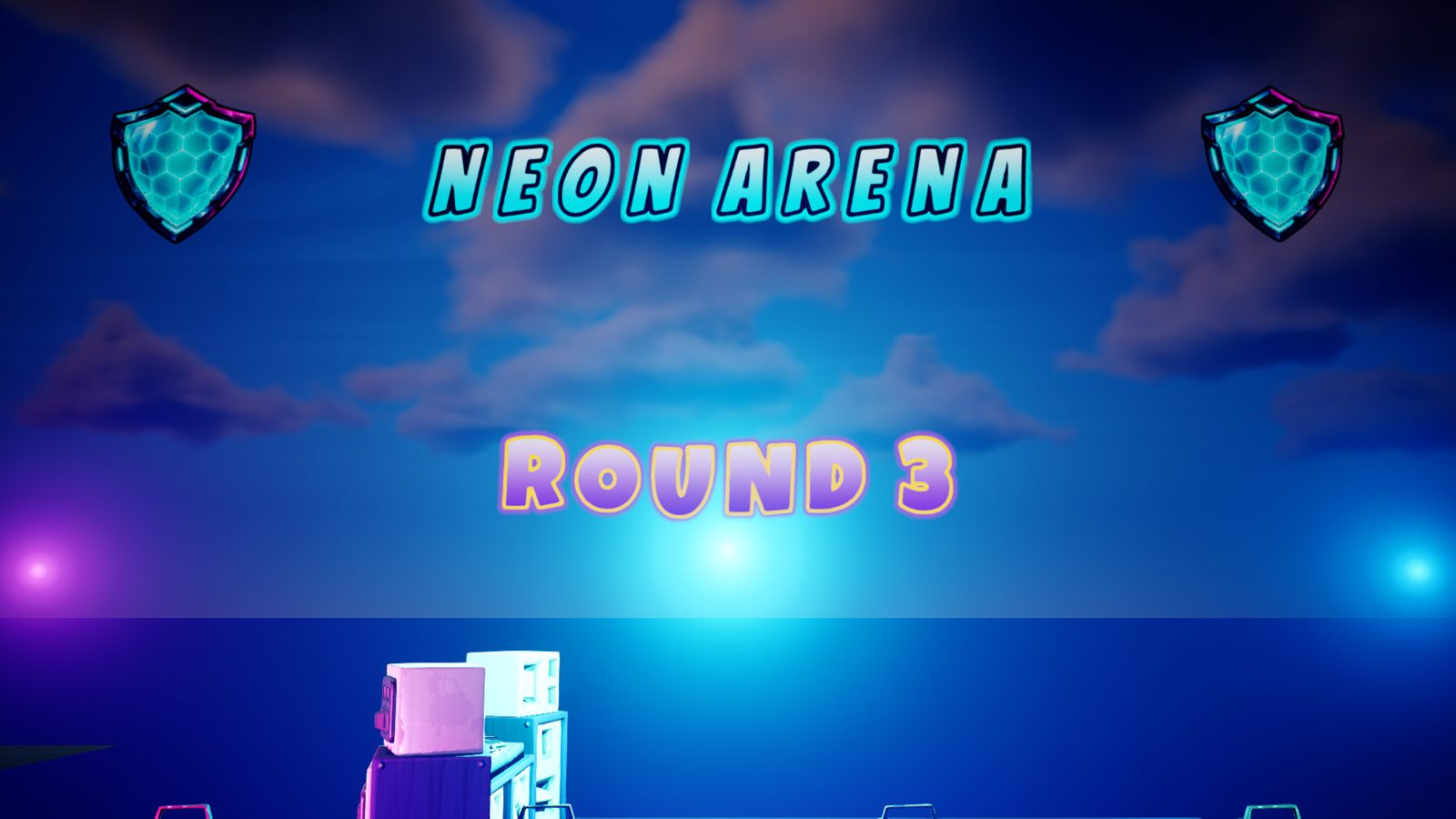
Neon arena – GlyphForge (UEFN)Neon arenaBreathing cyan glow, pulsing icons.
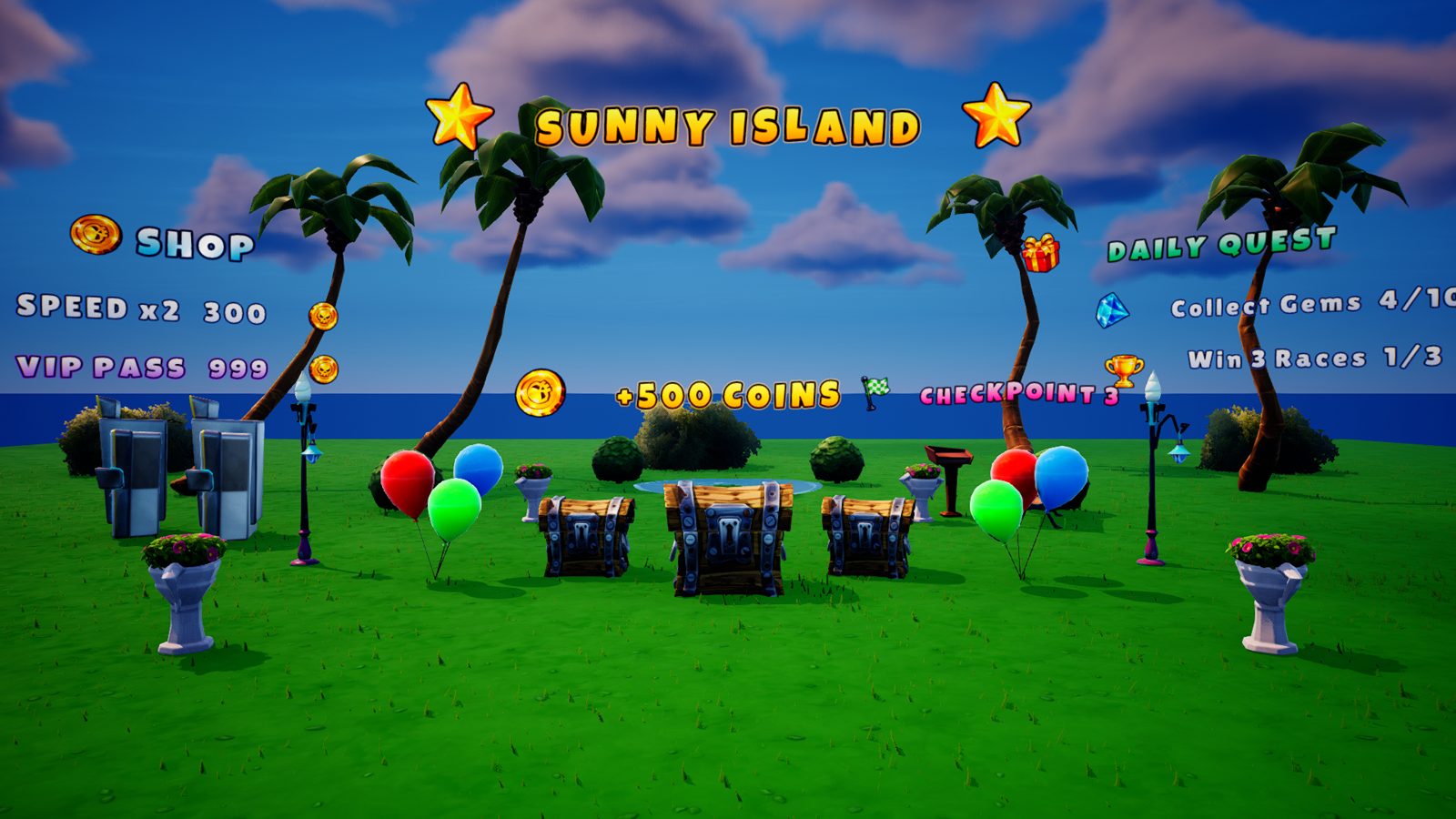
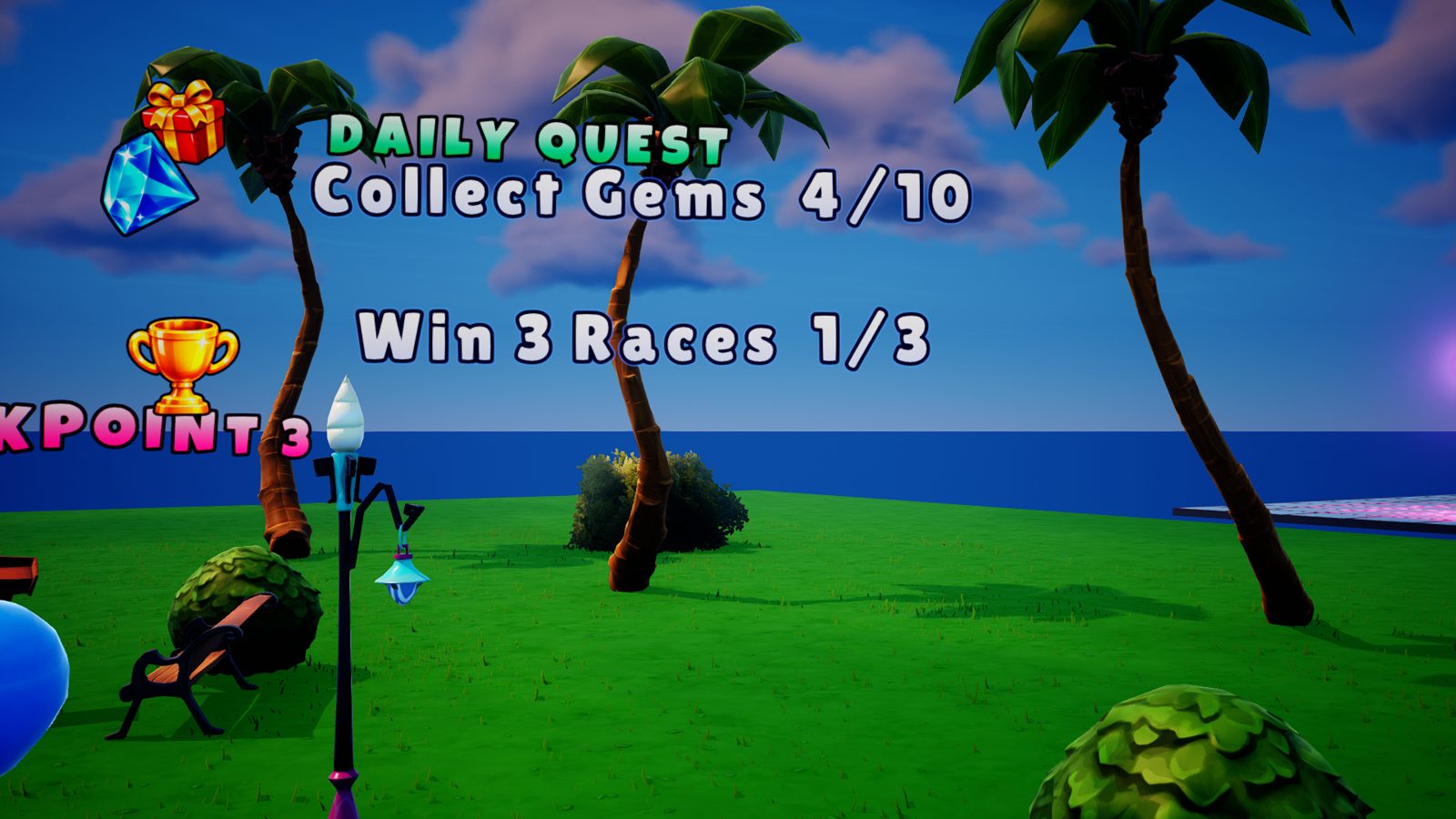
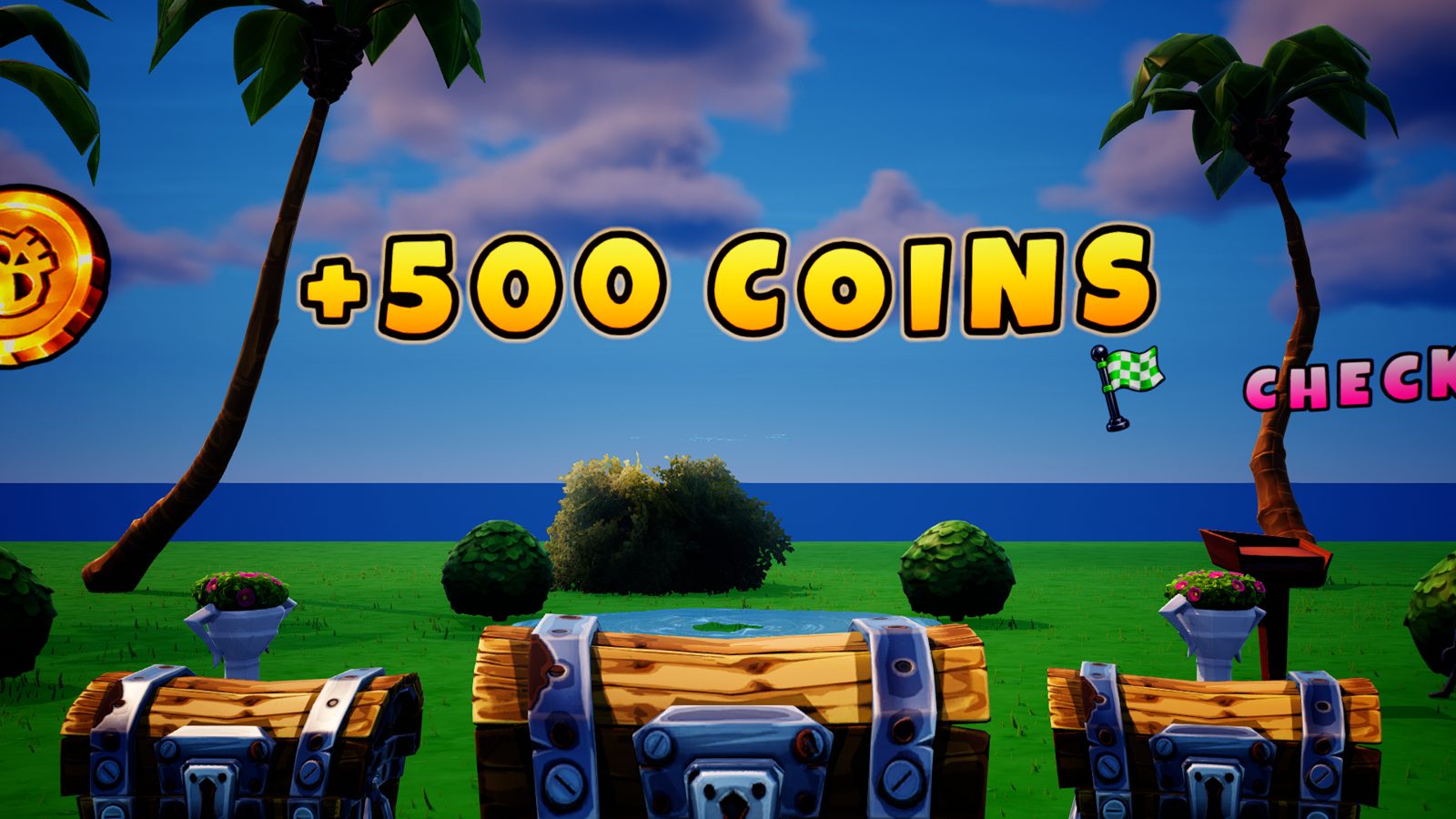
Daytime tycoon – GlyphForge (UEFN)Daytime tycoonBold colours, glints and animated rewards.
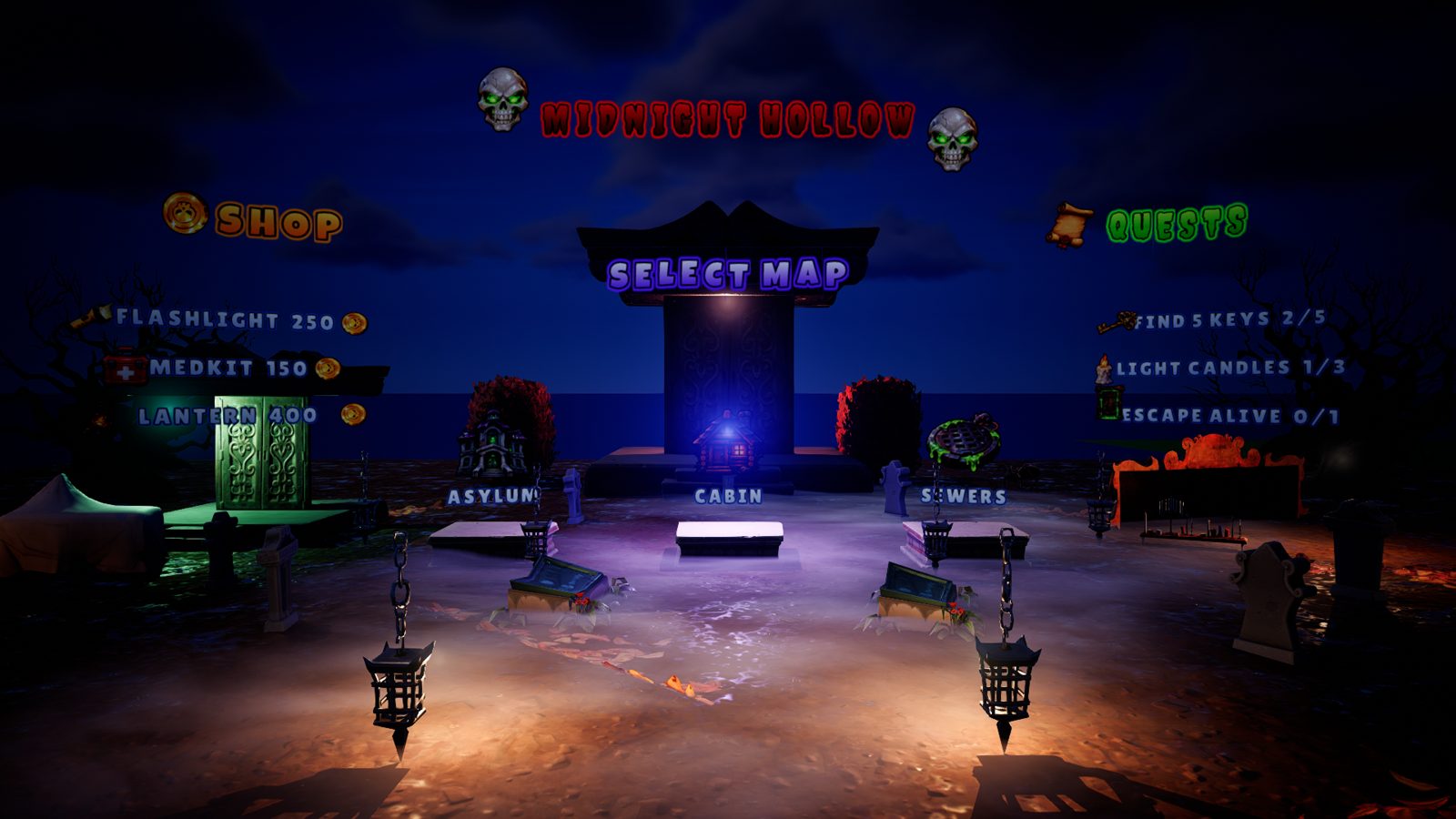
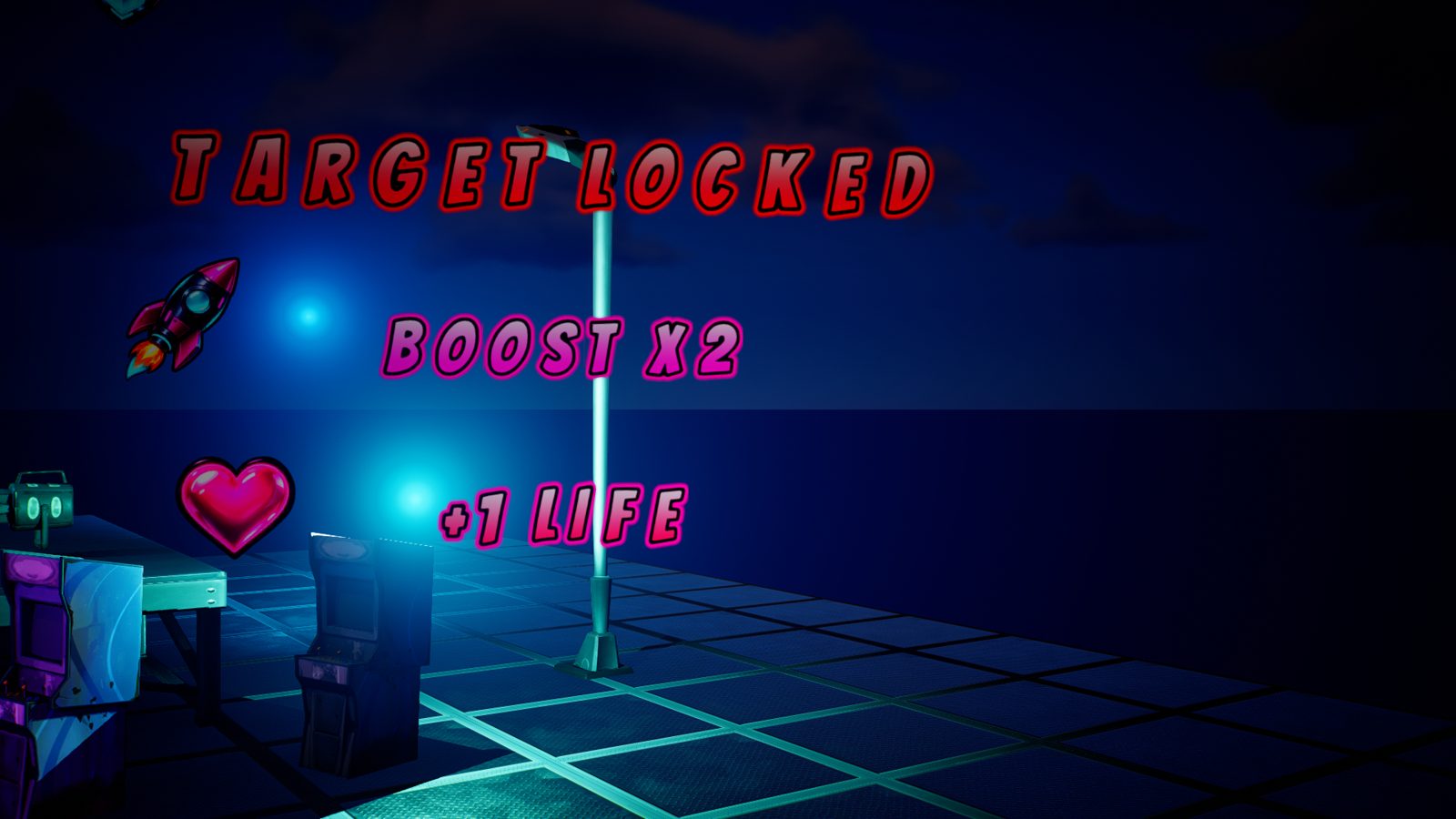
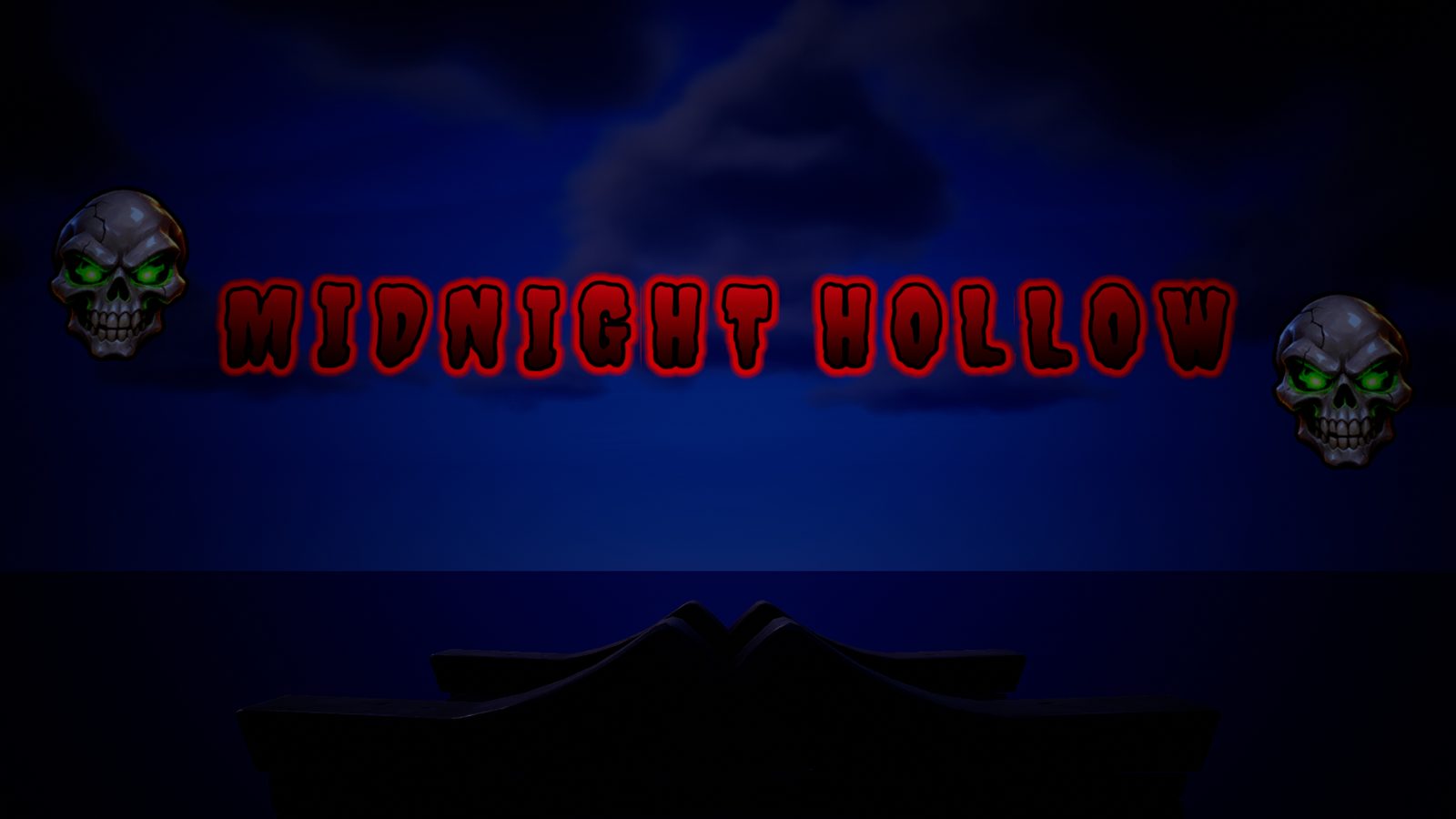
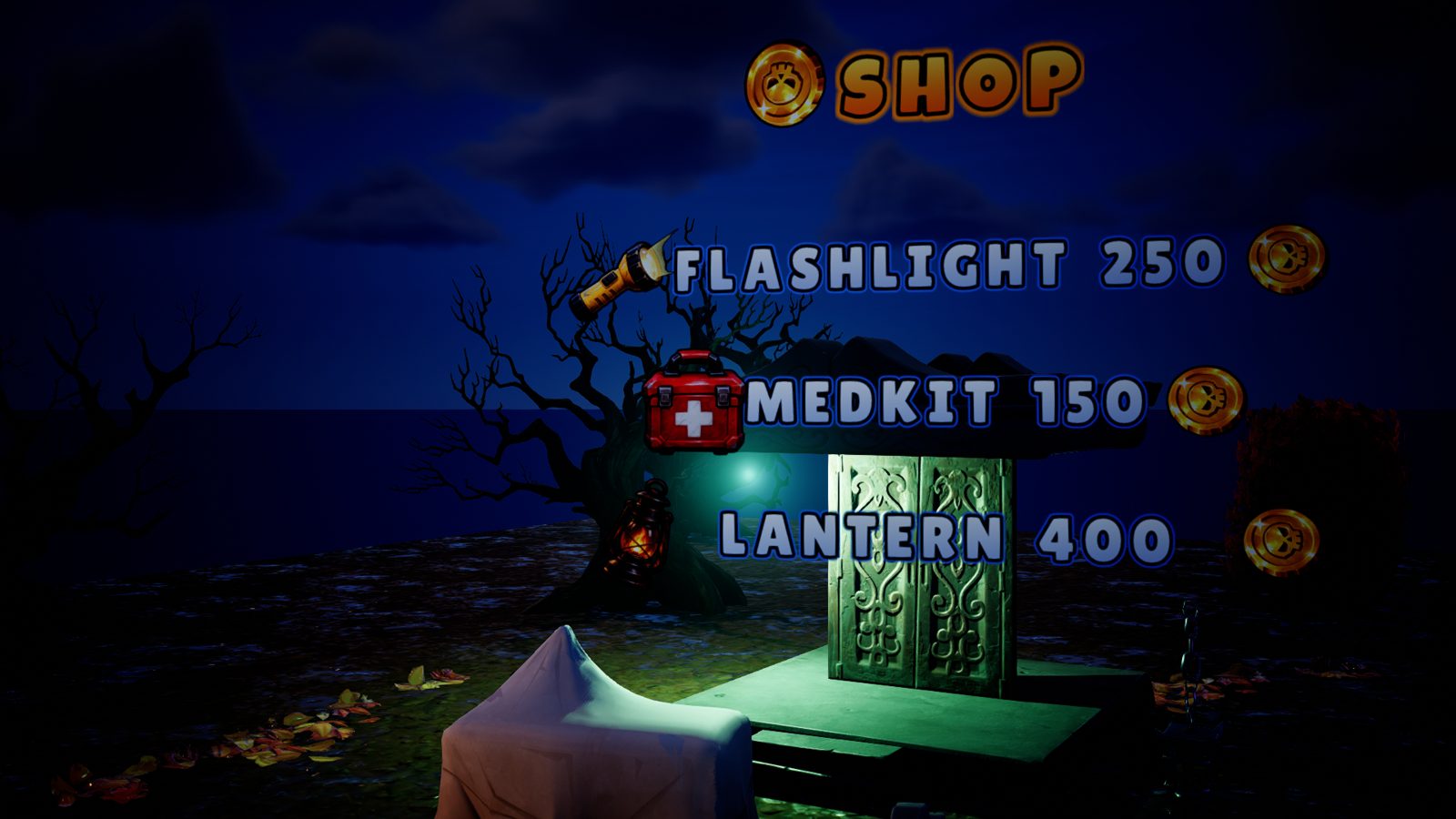
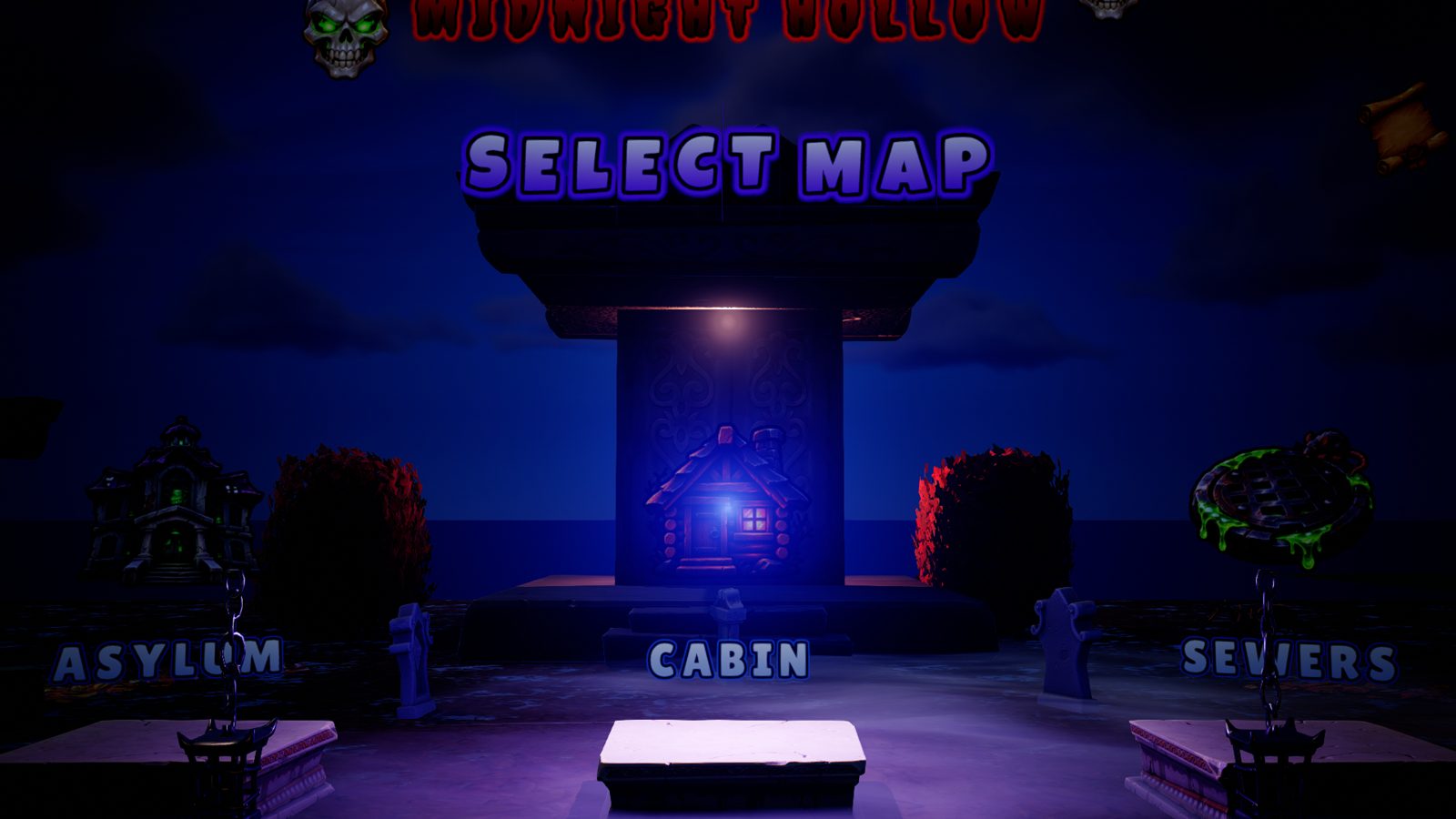
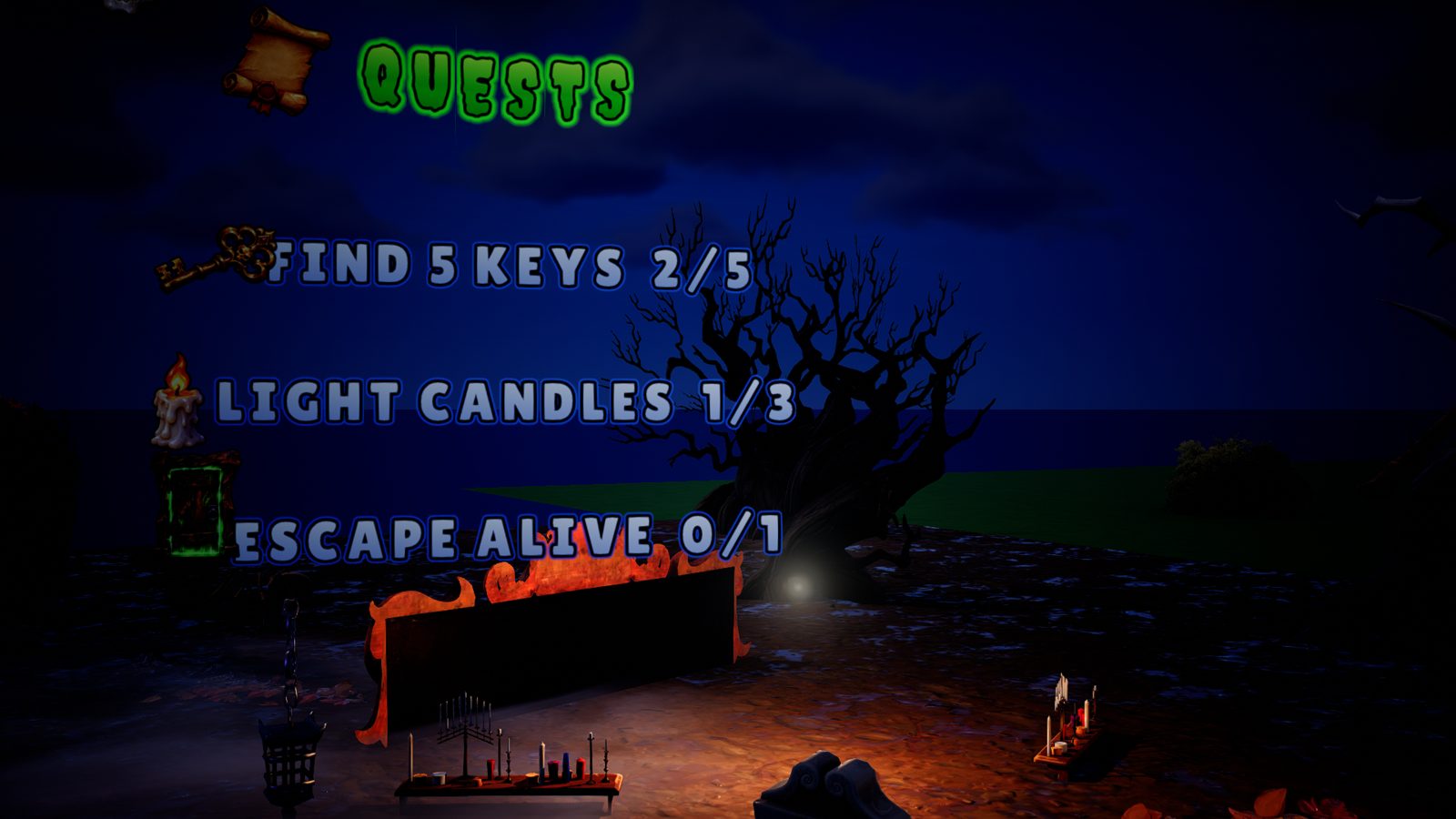
Night horror – GlyphForge (UEFN)Night horrorHorror font, shop, map select and quests.
Features

Everything you need for pro-looking texts

No textures to prepare, no materials to wire: GlyphForge handles it all and keeps your project light.

🔤Any fontImport your .ttf / .otf. Text stays sharp up close and far away (SDF rendering in the material).
🎨Full stylingGradients, outlines, glow, brightness, letter case, spacing, 12 ready-made looks.
✨10 animationsWave, bounce, shake, pop, rainbow, pulse, typewriter, fade, glint… stack them.
🖼️Animated iconsUp to 4 PNG icons per text, each with its own outline and animation (spin, float, pulse…).
🎯Camera-facingText turns to face the player, done in the material: no Verse, no CPU cost.
⚡1-click sendLive preview in the app, then “Create in front of camera”: the text appears in UEFN.
Advanced option · optional

Got an AI? It can place everything for you

GlyphForge ships with an MCP server: Claude, Codex, Cursor… can create and edit your texts straight in UEFN. The demo set on this page was built that way, and its icons were AI-generated.

Community

Show your map, it can end up here

GlyphForge just launched. Post your creations on our Discord: the best maps get featured on this page, with your name and a link to your island.

Join the Discord
Help

Your first text in 5 minutes

  1. Install GlyphForge, open it and paste your licence key.
  2. In UEFN: Editor Preferences → Model Context Protocol, turn the MCP server on (once).
  3. In GlyphForge, click Connect at the top right: the dot turns green.
  4. Type your text, pick a look in Presets, add an icon if you like.
  5. Put the editor camera where you want the text and click Create in front of camera.
“UEFN not connected”

UEFN must be open with a project loaded and its MCP server on (Editor Preferences → Model Context Protocol). Then click Connect.

My text does not show up right away

The first time a style is used, UEFN compiles its shaders: wait a few seconds and the text appears.

Windows shows a warning on install

Click “More info” then “Run anyway”. The installer comes from our server and the app checks its signature on every update.

Still stuck?

Open a ticket on our Discord or write to vadaayzz@gmail.com with a screenshot: we usually reply the same day.

What's new

GlyphForge keeps improving

Updates are included in every plan and install from the app in 1 click.

v4.4.18 November 2026

fix — picking a preset now always refreshes the preview (before, after deleting an icon you had to type a letter to see it).

v4.4.08 November 2026

HD icons can now be turned on for a single text (switch in the Icons section) instead of a setting that changed every text. All other texts stay standard, so your map stays light.

v4.3.58 November 2026

Closing the window now fully quits GlyphForge (it no longer keeps running in the background in Task Manager).

v4.3.48 November 2026

Icons stay sharp on low graphics settings too, and preset and font previews show up instantly (even while scrolling the list).

v4.3.38 November 2026

Texts stay perfectly sharp even when players use low graphics settings (letters used to get blurry). Existing texts are fixed automatically the next time you create or sync a text.

Pricing

Pick your plan

Every plan unlocks everything. 1 licence = 1 PC.

Weekly SUBSCRIPTION
€2.99 /week
Ship one map this weekend. Cancel anytime.
Choose
RECOMMENDED
Monthly SUBSCRIPTION
€6.99 /month
Work on your islands all month. Cancel anytime.
Choose
Lifetime
€39.99
One-time payment, every update, forever. Less than 6 months of subscription.
Choose
✅ Doesn't work on your PC? Message us: we fix it or refund you. Your texts stay in your island even after a subscription ends.
FAQ

Common questions

Do my texts stay if I stop my subscription?

Yes. Texts already sent to your island are regular UEFN assets (materials and textures): they stay and work in-game. The licence is only needed to create or edit texts.

Does it work in a published island?

Yes: standard materials and planes, no external plugin and no Verse. Your island publishes as usual.

Is it 3D text?

No: the text is rendered in a material on a plane that can turn to face the player. That keeps it sharp at any distance, very light, and animated without Verse.

Will it bloat my island?

Barely: one small shared font texture, no mesh per letter, and auto-cleanup removes anything unused.

Do I need to code?

No. Type, style, click Send. The AI link (MCP) is optional.

New PC?

In the app: Settings, then Deactivate licence. Then activate your key on the new PC (once a week). Stuck? Message us on Discord.

Under 18?

Ask a parent to make the purchase for you.

Rather not pay by card on the site?

Open a ticket on our Discord to pay there directly.

Ready to make your texts stand out?

Get GlyphForge
© GlyphForge · Shop · My subscription · Legal notice · Discord · vadaayzz@gmail.com