 GlyphForge
Animated text in UEFN, in seconds.
3 steps, 30 seconds
Three sets made with GlyphForge
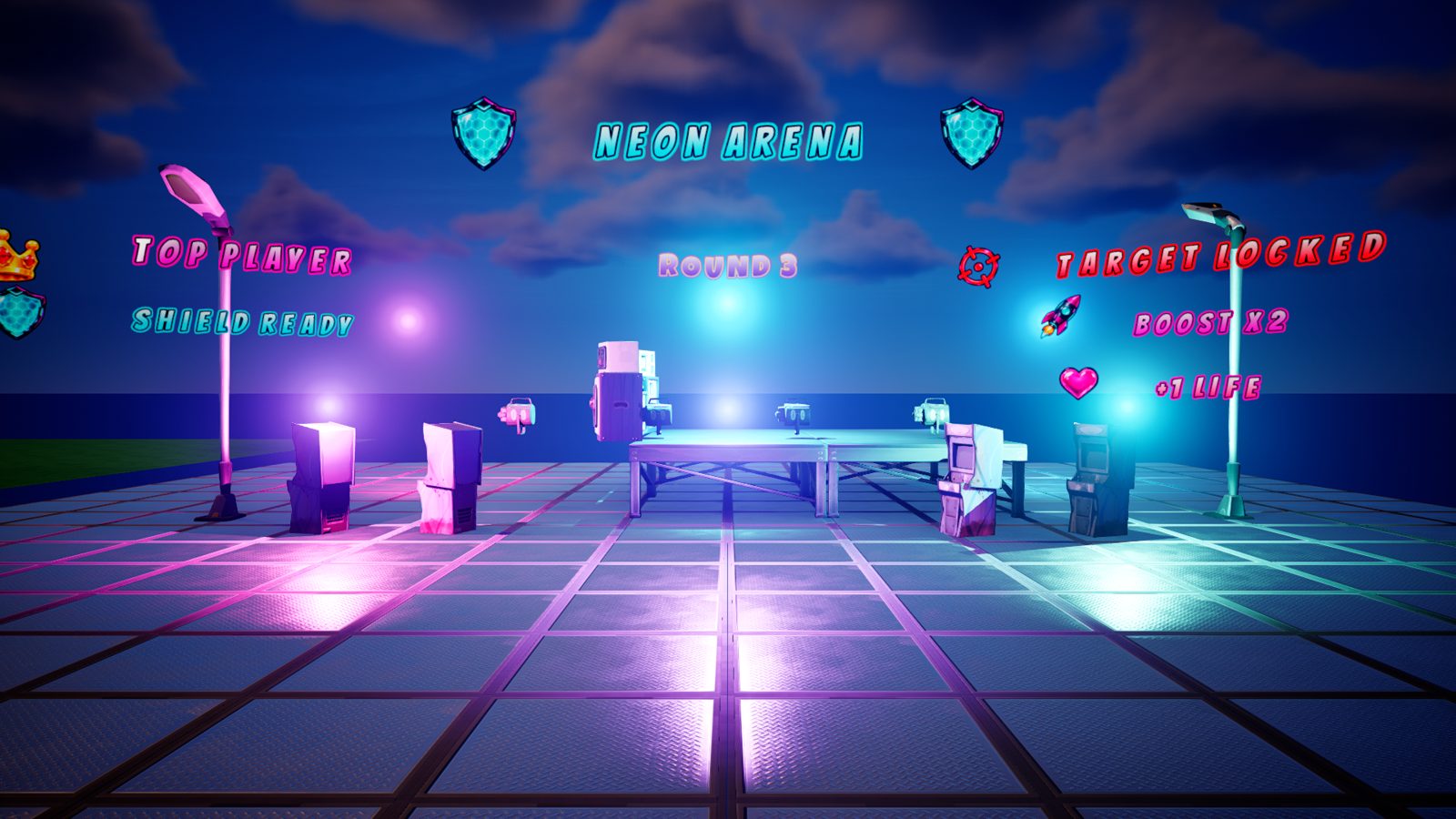
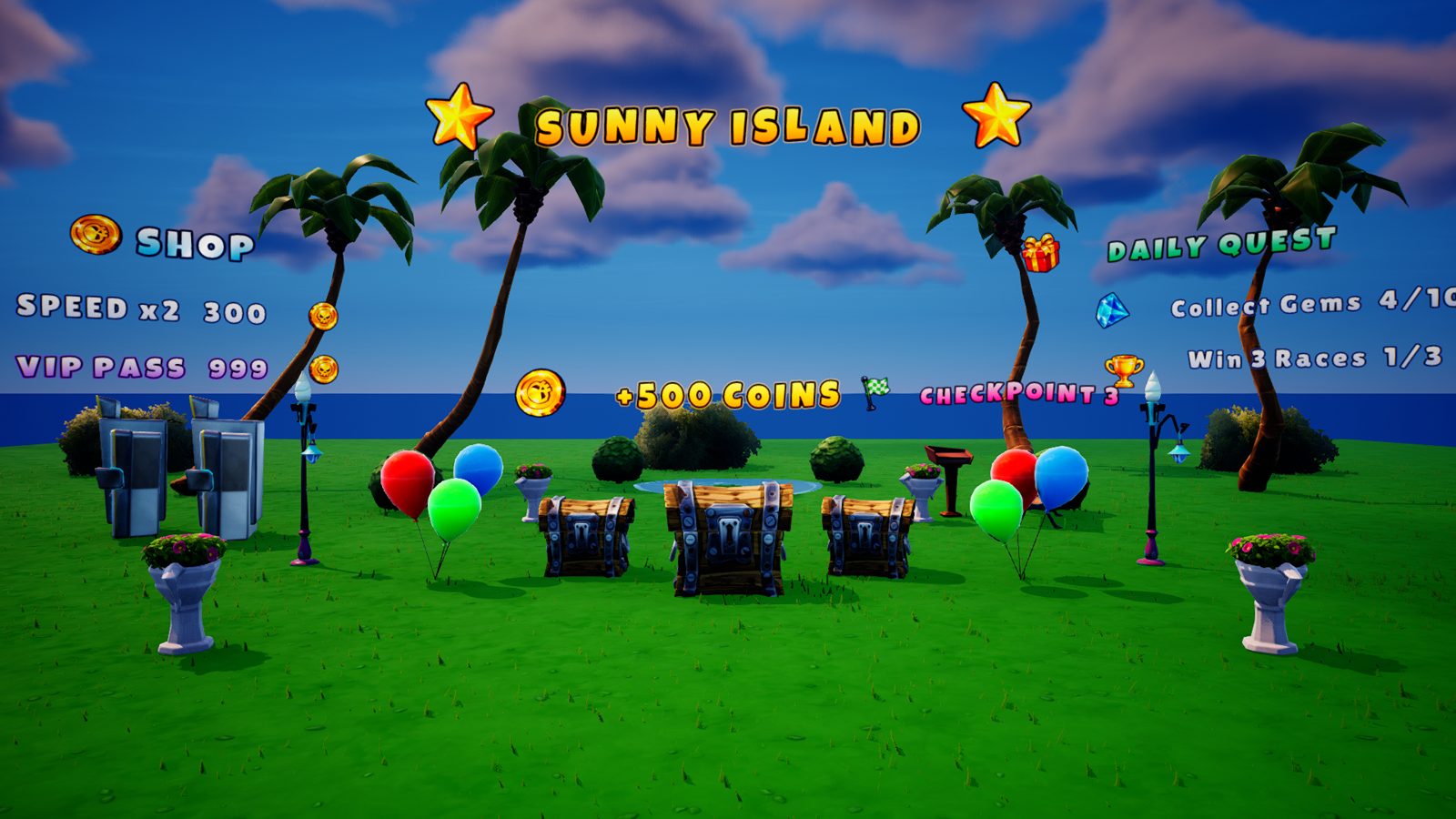
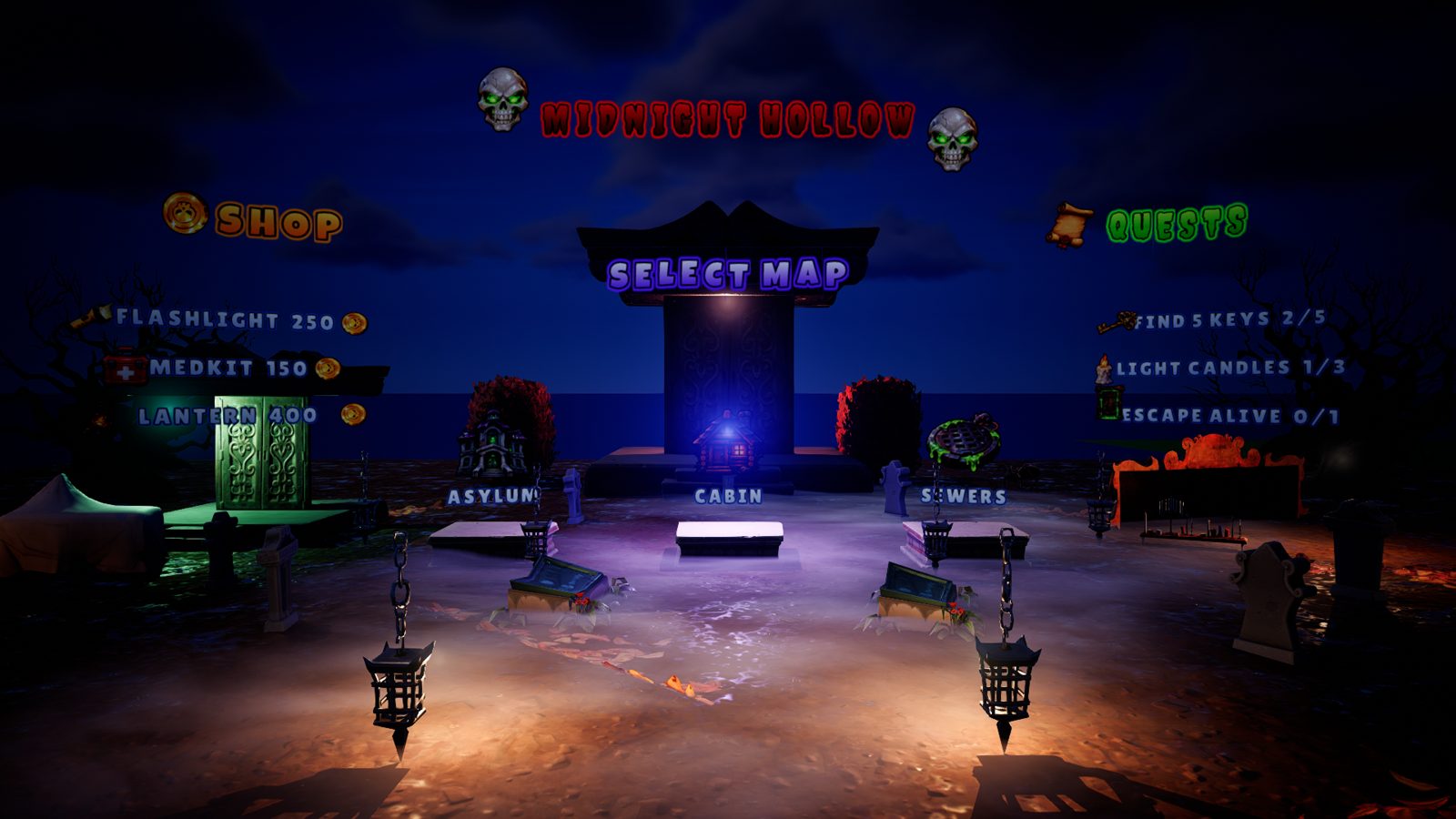
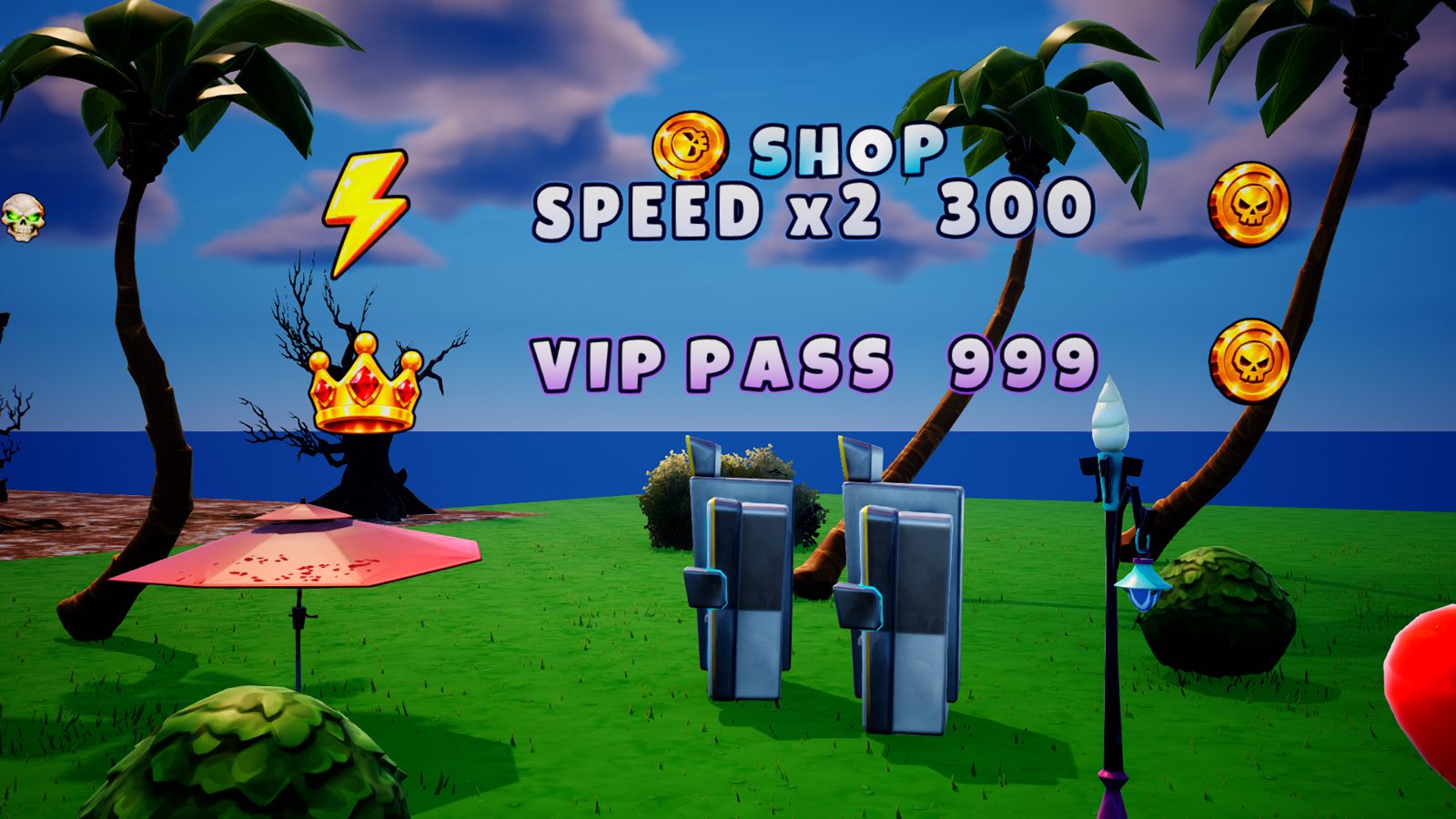
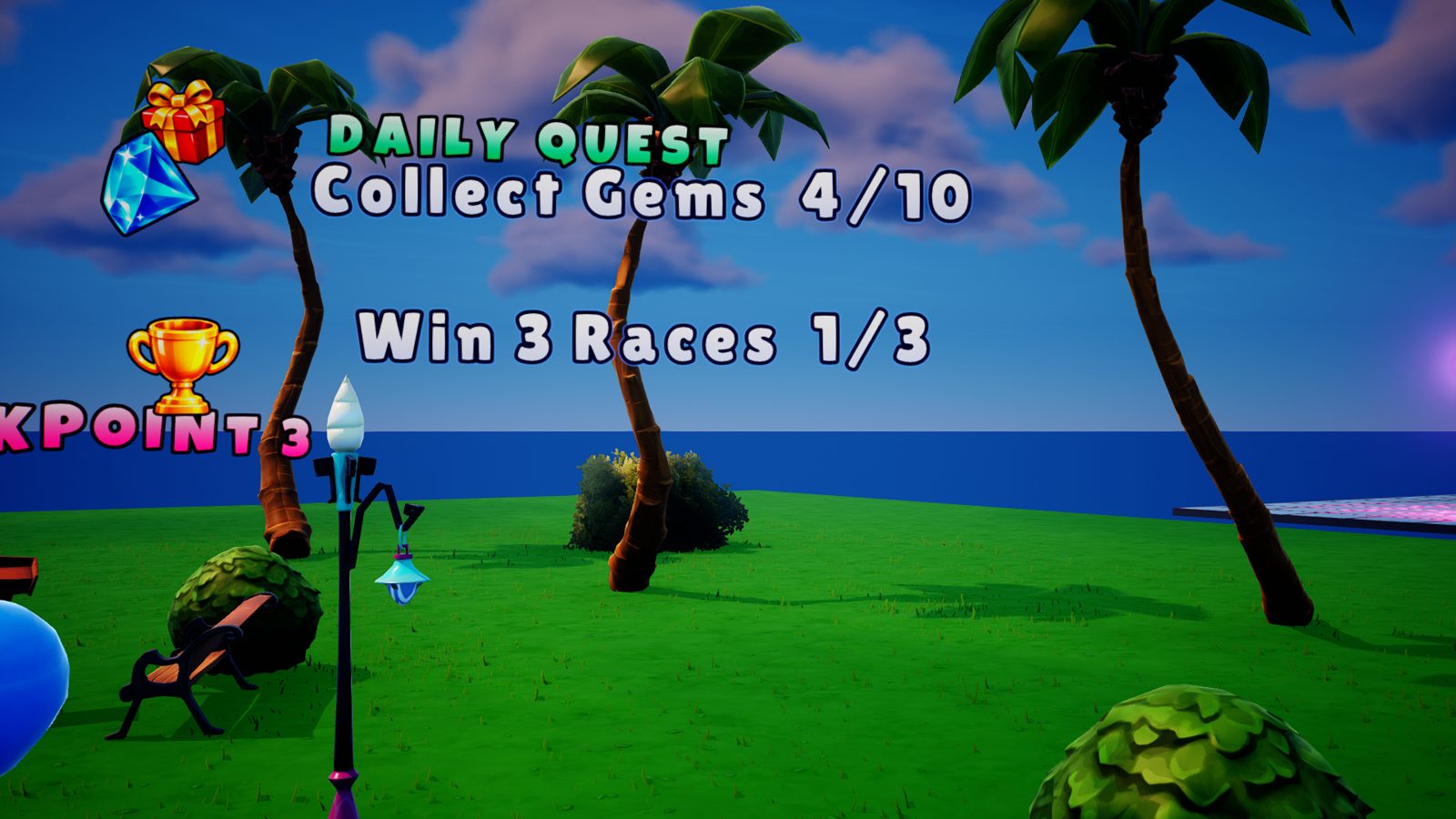
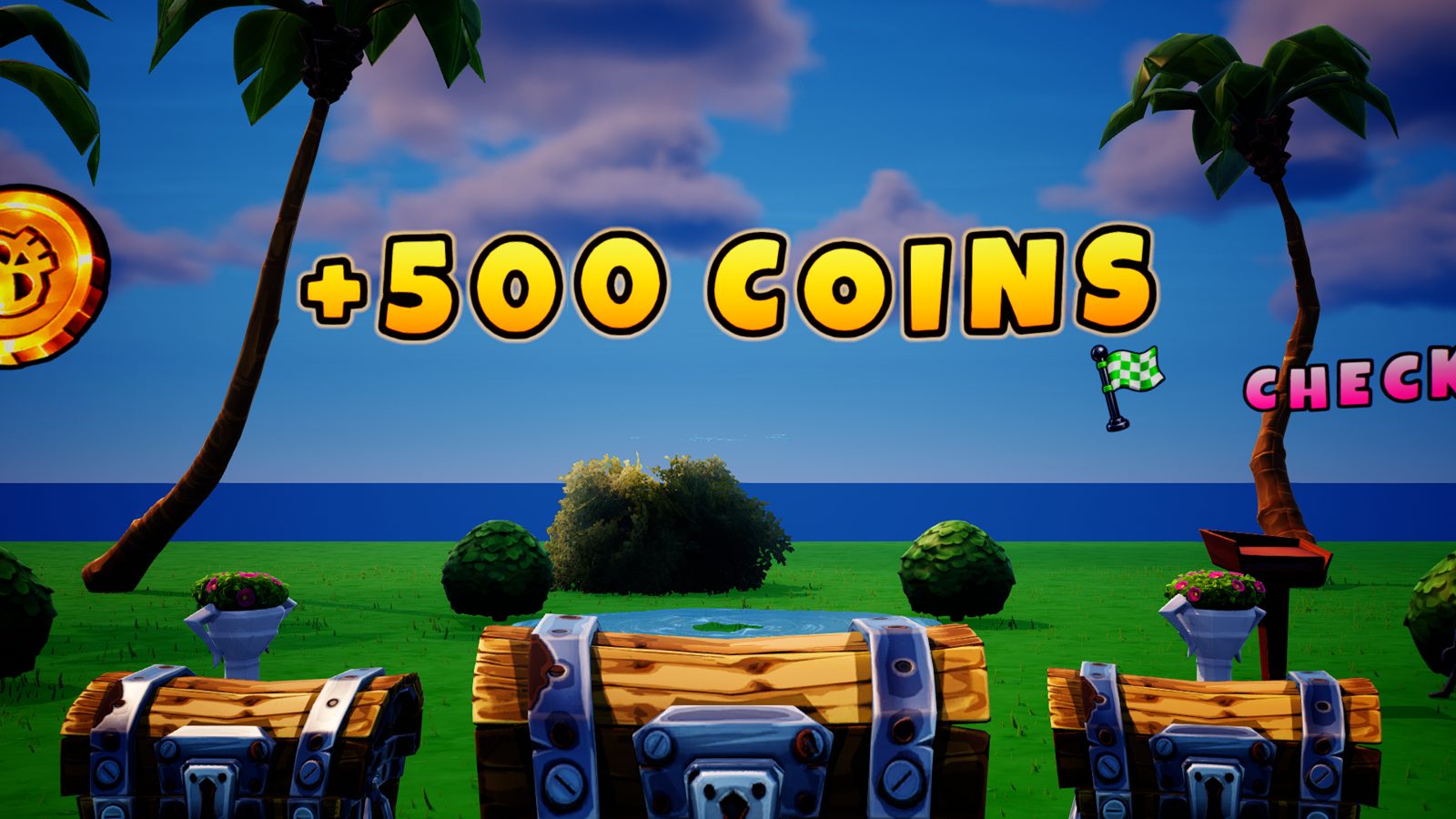
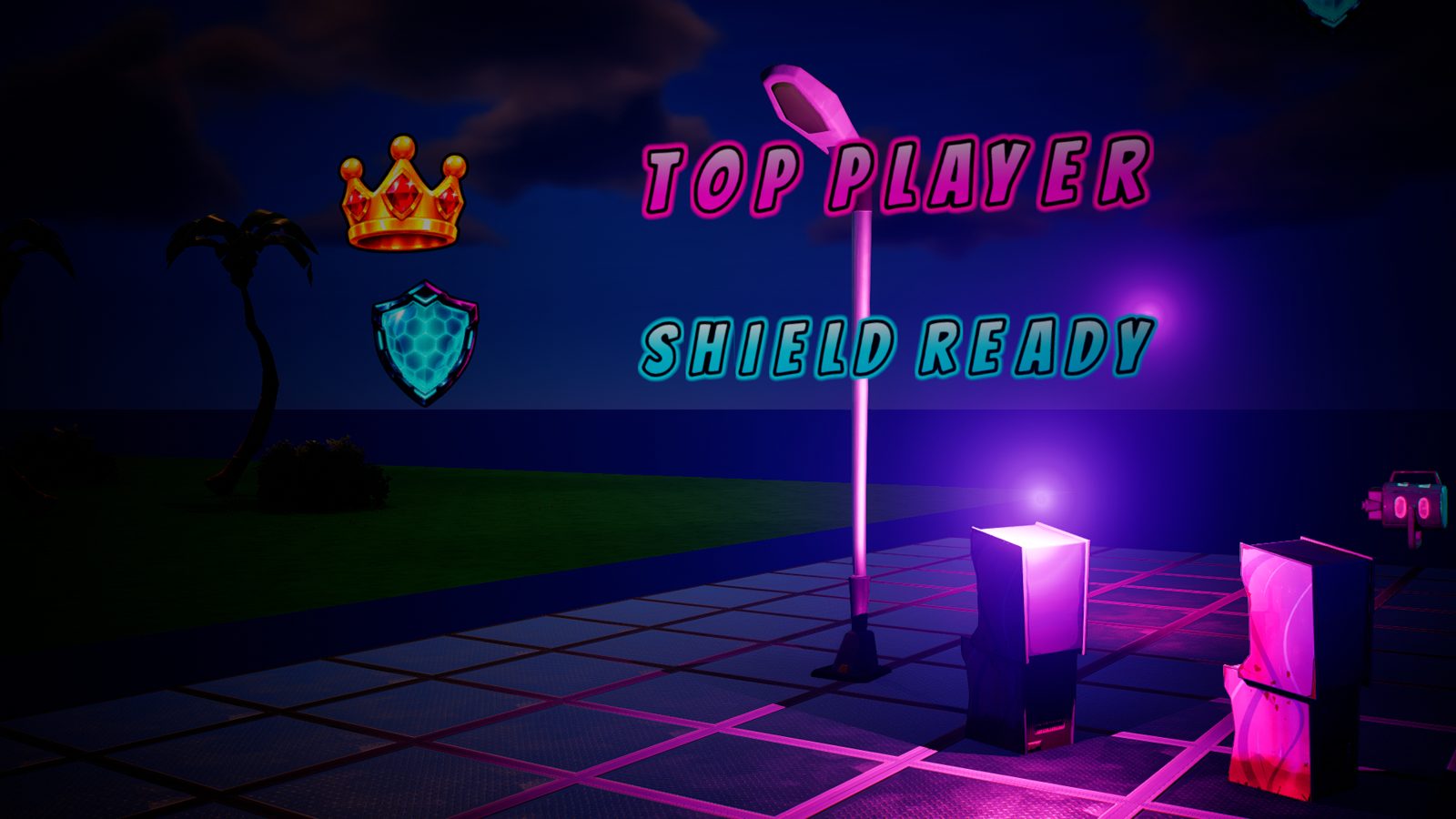
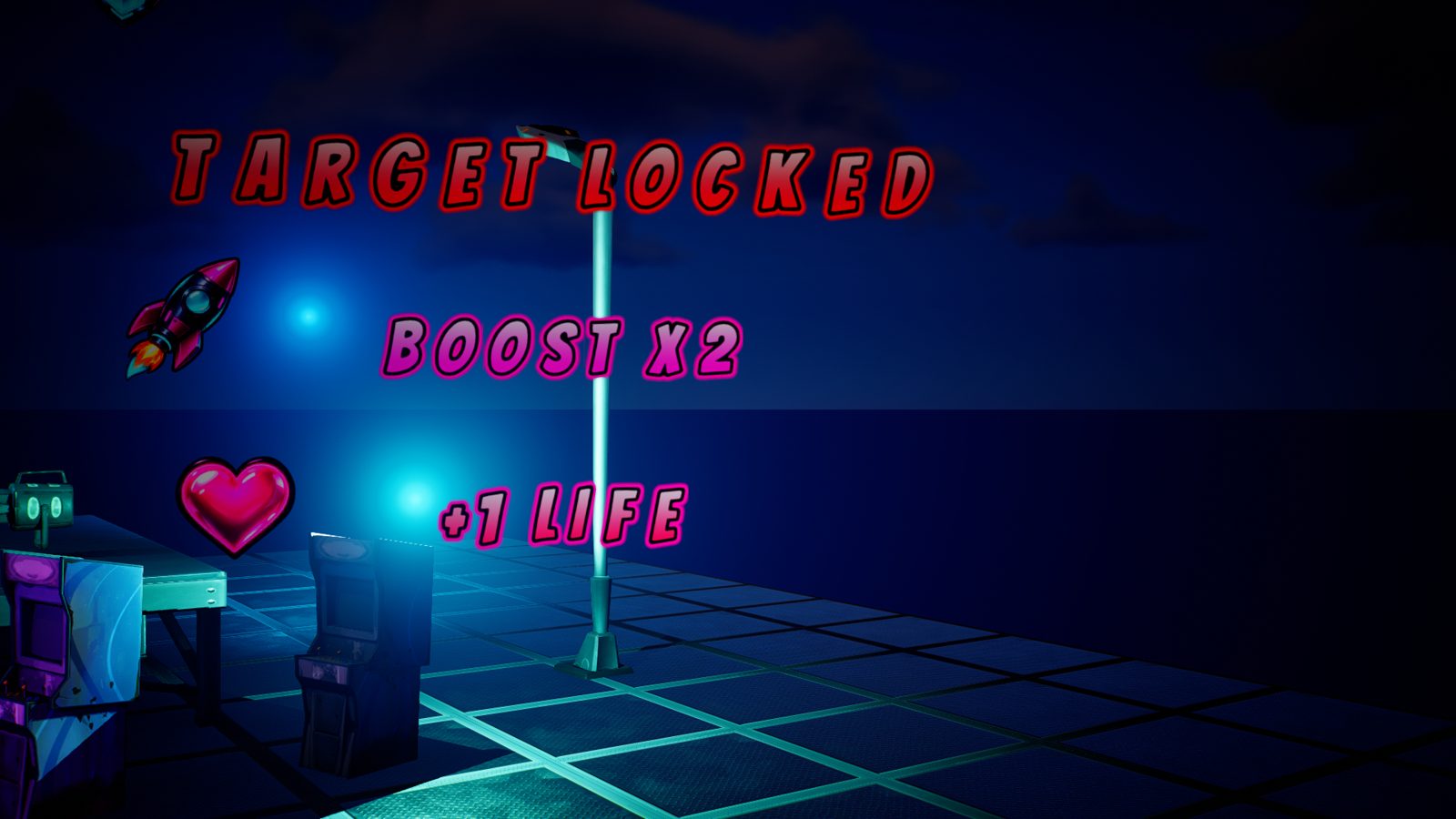
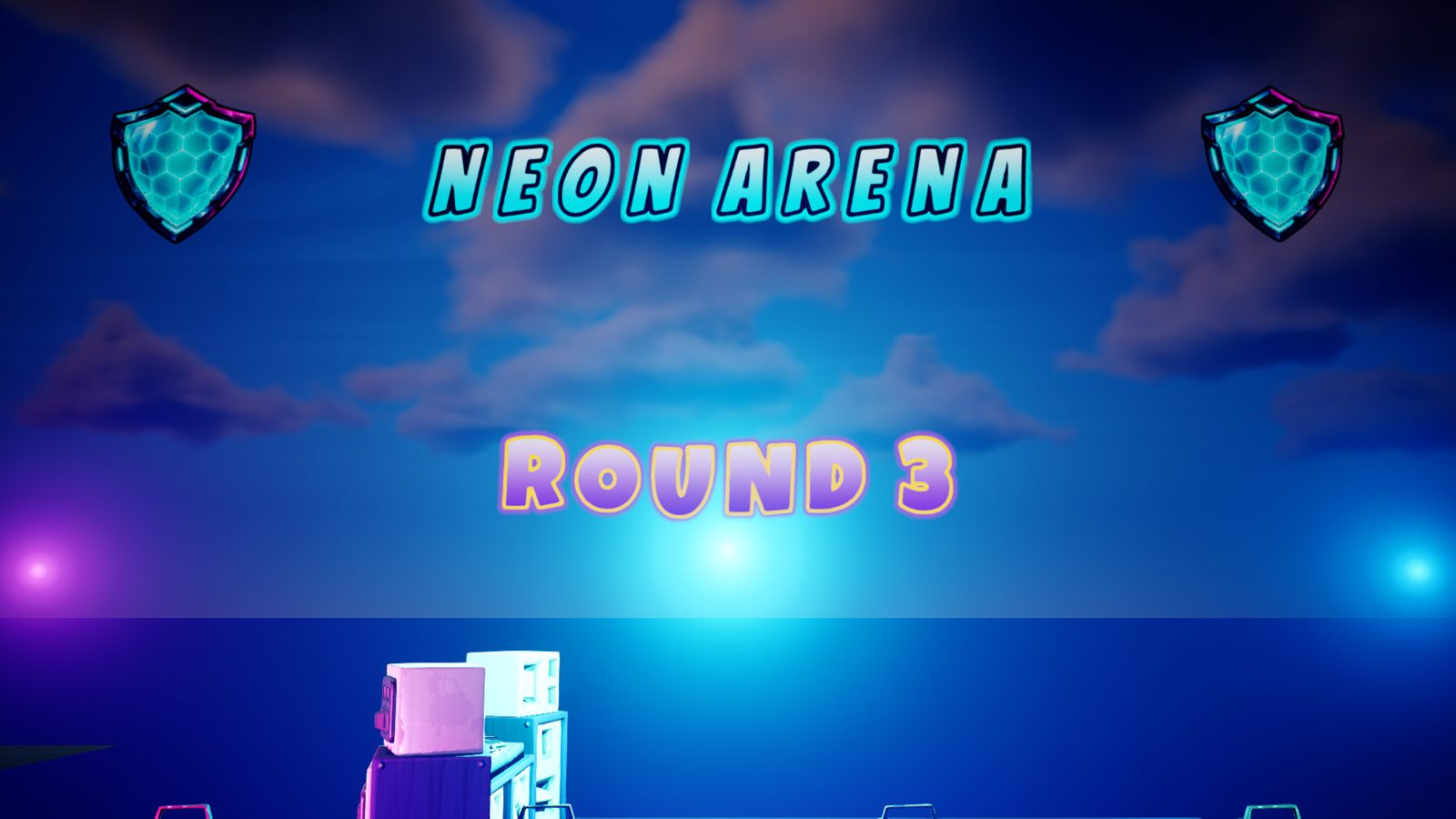
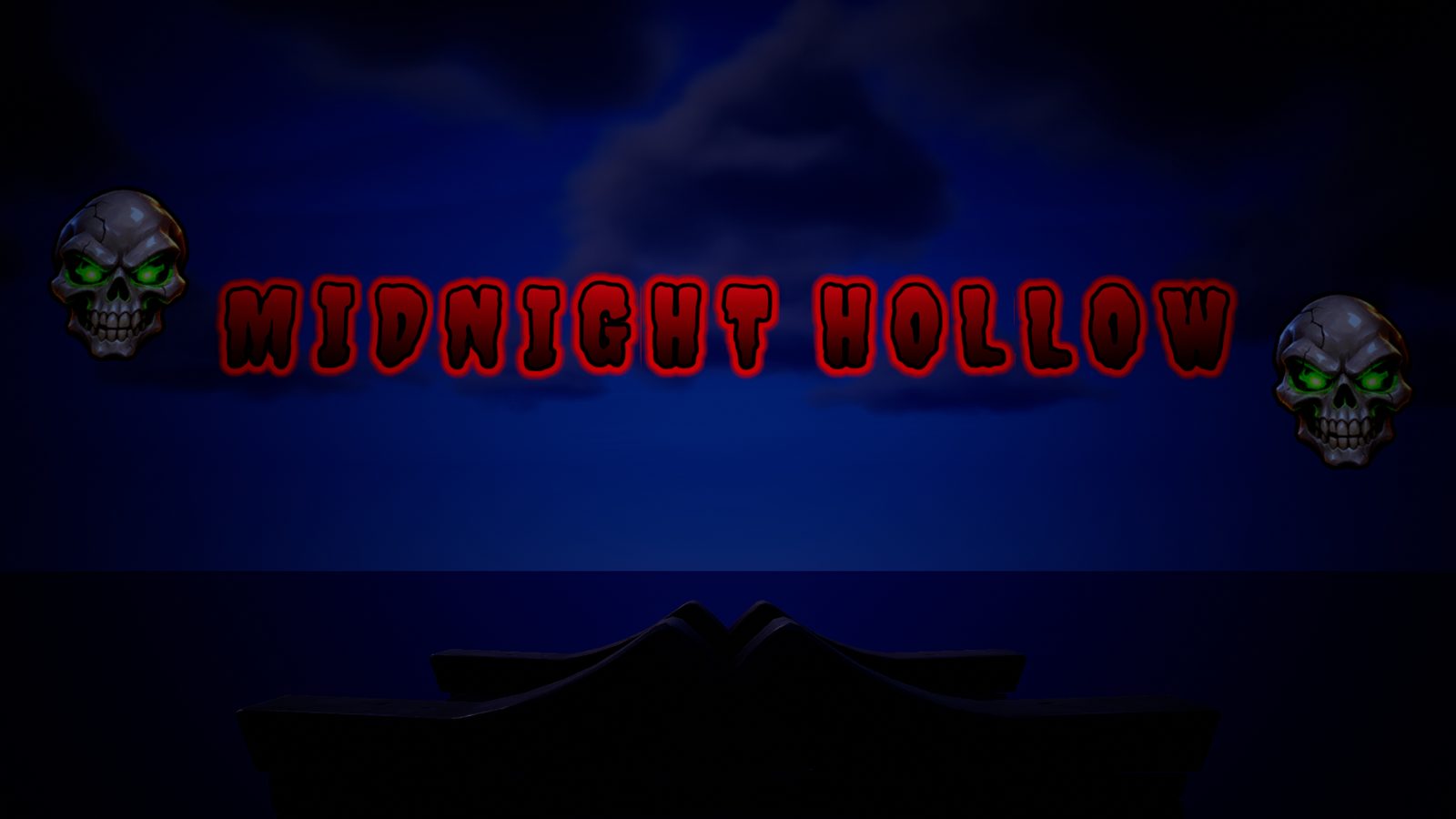
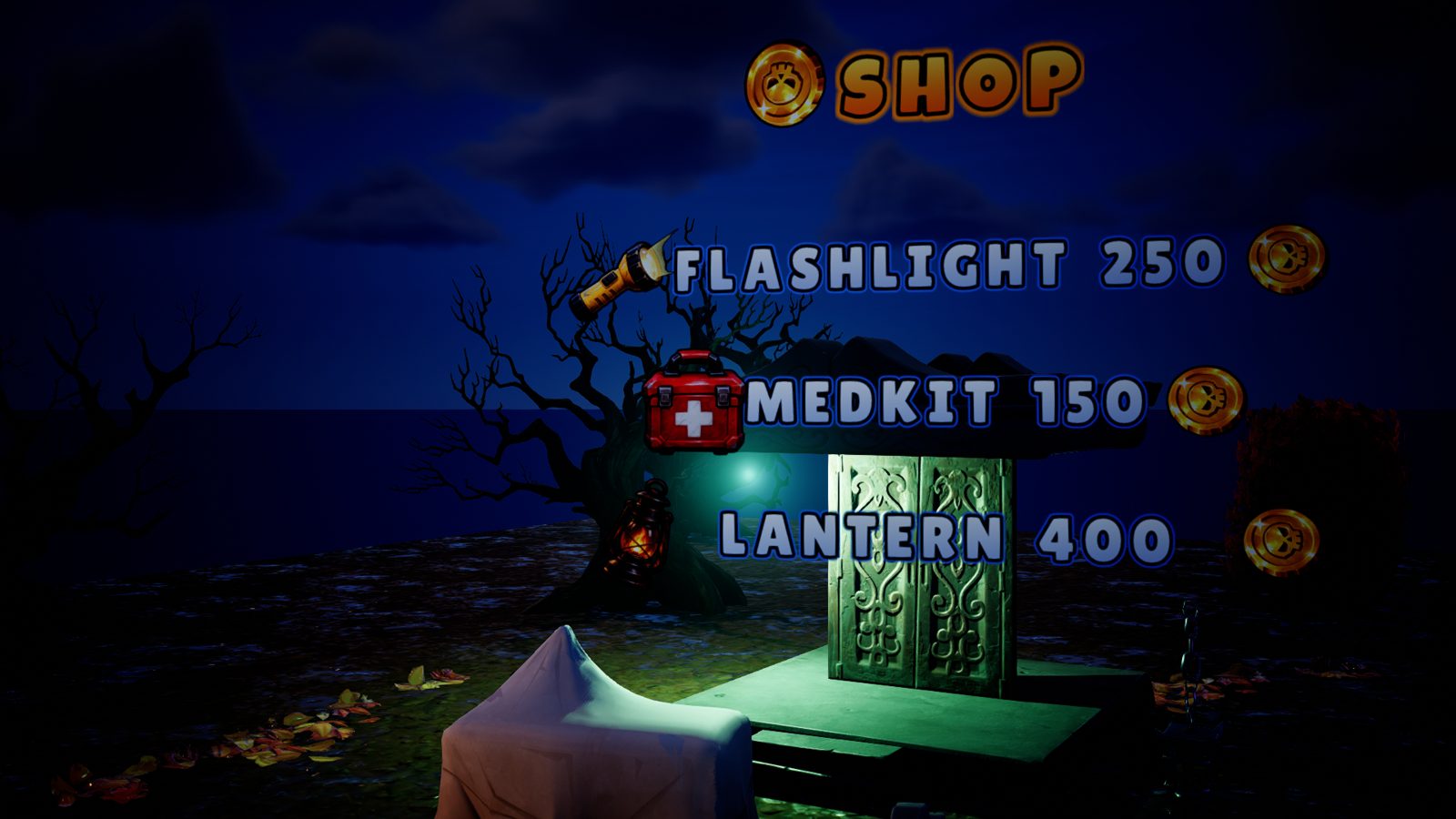
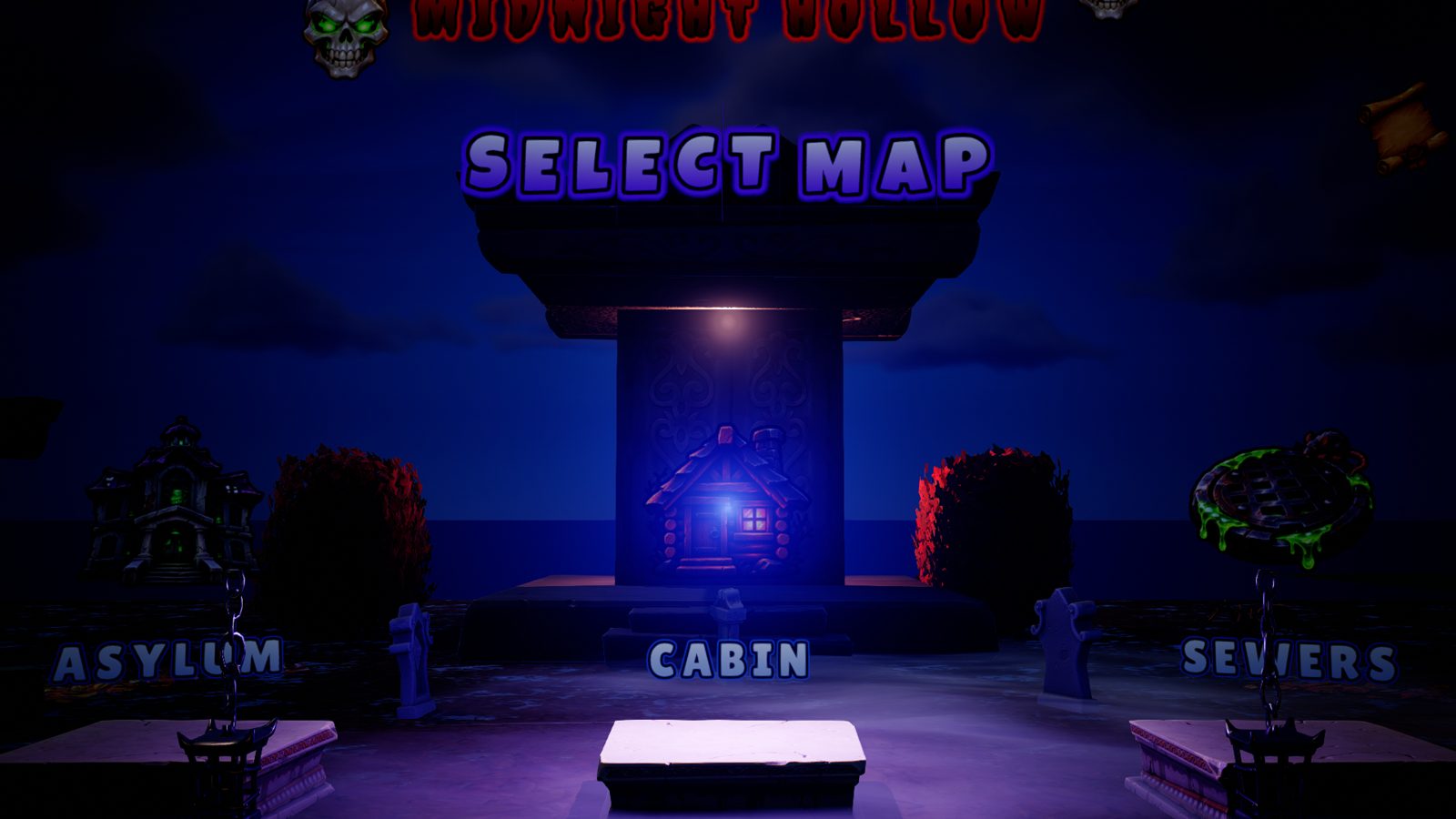
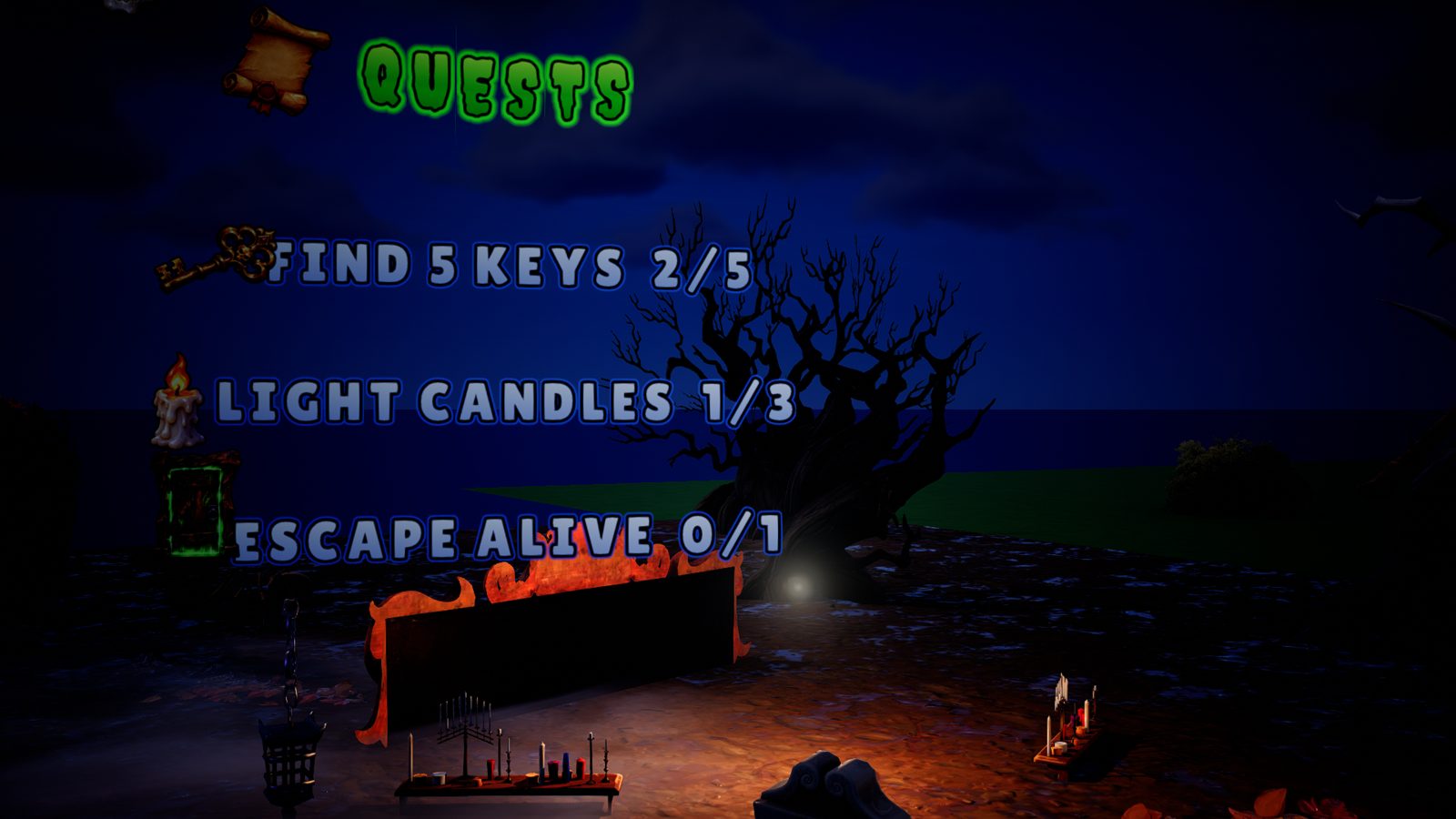
Everything you need for pro-looking texts
Got an AI? It can place everything for you













Show your map, it can end up here
Your first text in 5 minutes
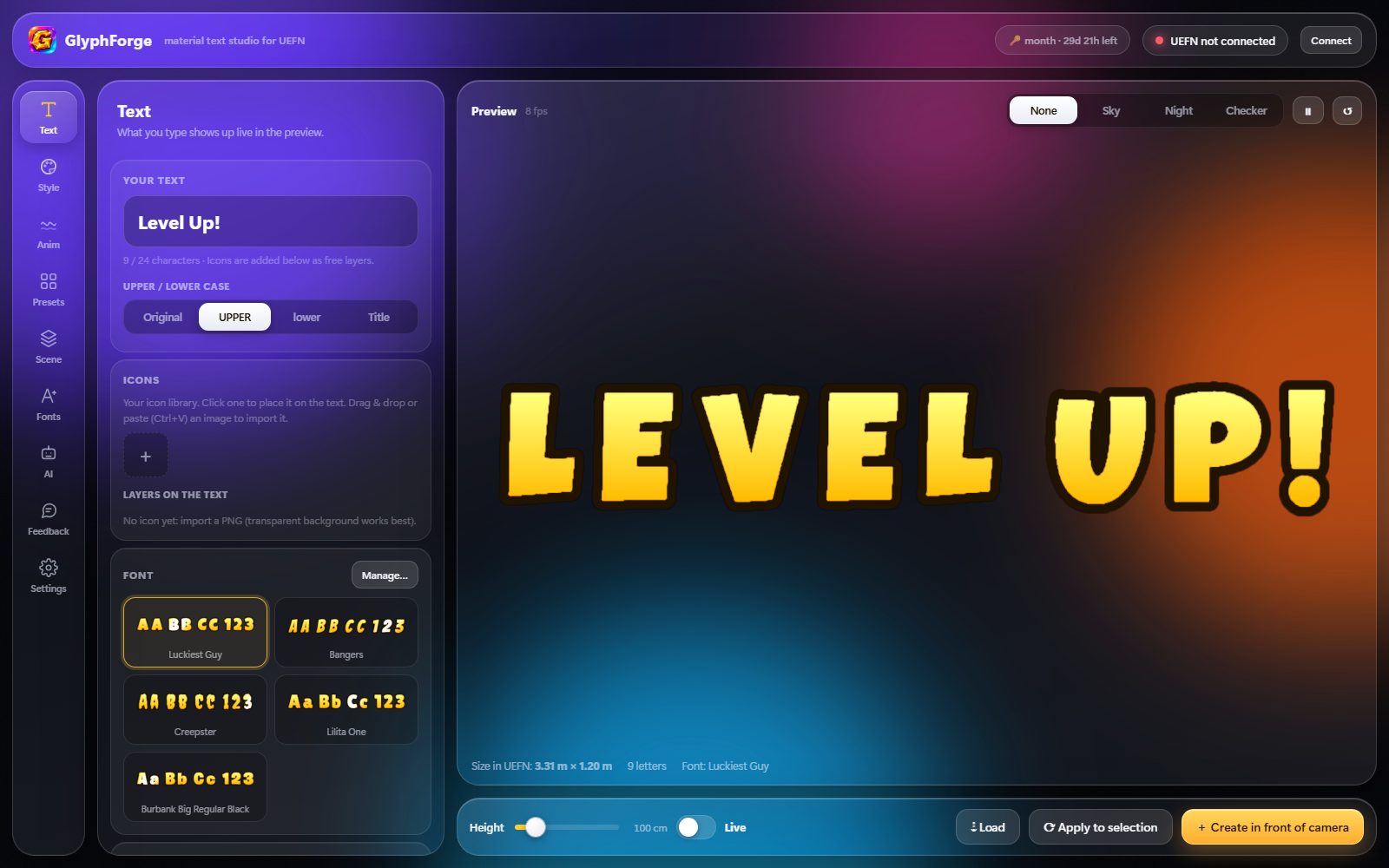
Install GlyphForge, open it and paste your licence key. In UEFN: Editor Preferences → Model Context Protocol, turn the MCP server on (once). In GlyphForge, click Connect at the top right: the dot turns green. Type your text, pick a look in Presets, add an icon if you like. Put the editor camera where you want the text and click Create in front of camera.
“UEFN not connected”
My text does not show up right away
Windows shows a warning on install
Still stuck?
GlyphForge keeps improving
fix — picking a preset now always refreshes the preview (before, after deleting an icon you had to type a letter to see it).
HD icons can now be turned on for a single text (switch in the Icons section) instead of a setting that changed every text. All other texts stay standard, so your map stays light.
Closing the window now fully quits GlyphForge (it no longer keeps running in the background in Task Manager).
Icons stay sharp on low graphics settings too, and preset and font previews show up instantly (even while scrolling the list).
Texts stay perfectly sharp even when players use low graphics settings (letters used to get blurry). Existing texts are fixed automatically the next time you create or sync a text.